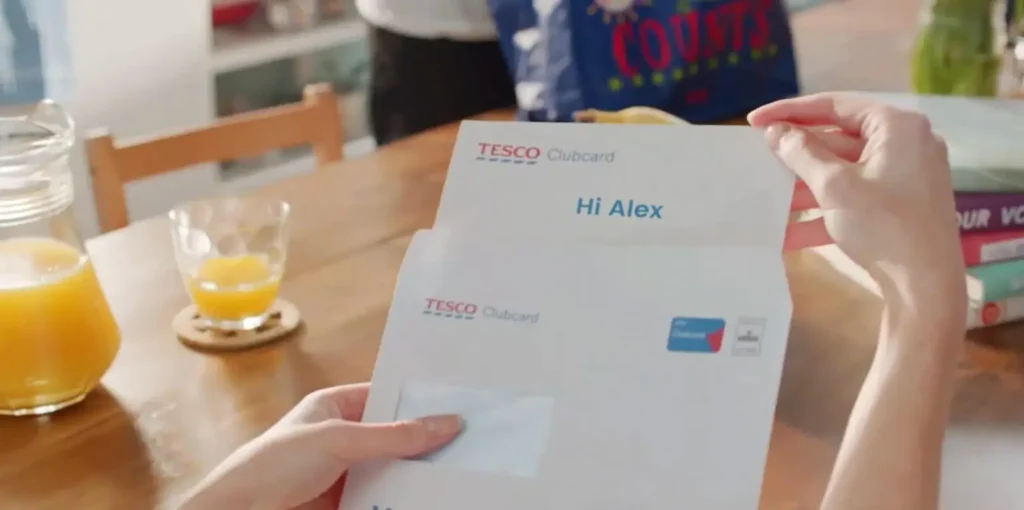


If you’ve been on the internet recently (which, you have, because you’re here), you probably know video is the most preferred type of digital content. It’s not just that people want video. They want more video. And that includes wanting more video content from brands.
That’s not an empty claim. This year, 80% of consumers say they want more video from brands. Meanwhile, only 13% say they frequently receive video content. That’s a huge gap, and it’s not because marketing teams are lazy. It’s because video production has always been time-consuming, difficult and expensive.
Enter AI video content automation. Feel free to imagine a superhero cape. Done right, AI automation really can save the day. Here’s how.
What Is AI Video Content Automation?
Before we define the “how,” let’s home in on what we’re talking about.
AI video content automation means using AI to handle the parts of video creation that used to eat up months of work: video scripts, voiceovers, footage selection, animation, video editing, translation. Instead of a team of humans manually building each video from scratch, AI does the heavy lifting and you steer.
Think of it like cruise control for content creation. You’re still in charge (and user-friendly editing so you can manually make changes is essential), but you don’t have to do all the work.
The result? Faster turnaround, lower costs and the ability to produce way more video content, even better quality video content.
Why Bother Automating Video at All?
Because the old way is broken. Here’s what traditional video creation looks like without automation:
- A brief gets written.
- A creative team builds a concept.
- Shoots get scheduled.
- A video editor cuts, recuts and recuts again.
- Stakeholders weigh in (everyone has notes).
- 3-6+ months later, you have a video.
Then someone on the product team launches a new feature, and the whole thing is outdated. Cool.
Now multiply that by every paid or owned channel you need to feed: social media platforms like LinkedIn, TikTok, your YouTube channel, emails, in-app messaging, your website, internal training. Suddenly you’re drowning in requests for videos, and your production team is underwater.
Oh, you don’t have an in-house production team? Then you’d better have a big budget for the agency hours you’ll rack up.
AI video automation flips this. You build a video in minutes, not months. You update it instantly when something changes. And you can finally say yes to all those requests without losing your sanity.
The Building Blocks of an Automated Video Workflow
Not all AI tools are built the same. Some are basically fancy templates with a watermark slapped on top. Others are full-stack platforms that can actually scale.
Here’s what an automated workflow for an AI-generated video looks like.
1. The Right Prompt
You shouldn’t have to write a tutorial just to make a video. Good AI video generators let you start from whatever you’ve got: text prompts, a webpage URL, a doc, etc.
This is exactly what Lucas AI Video Agent does. Feed him a product page and you get a promo reel. Upload him a benefits doc and you get an explainer video. You can even share approved assets and brand guidelines so he learns your tone of voice and visual styles, ensuring content stays automatically on brand.
2. Script or Storyboard Generation
Before anything gets rendered, you want to know the foundation of the video is correct. This generally comes in the form of a script. Some AI video tools will also create the storyboard at this stage, showing you where each voiceover clip begins a new scene.
With Lucas, you can provide a script or let him write one for you. You review, tweak if desired and approve. Want to reword a line? Easy. Want to restructure the whole thing? Also easy.
Then Lucas decides how to fit this script into the right number of scenes, given any video length parameters you’ve provided.
3. Creating the Video
Now it’s time to create the video. Most AI video tools rely on templates. And templates can work OK. We have custom-designed styles based on your brand available if you want your videos to follow a consistent templated look.
But you can also go template-free with Strata, our new AI foundation model. Strata designs a custom video blueprint unique for your content, with independent layers for footage, text, graphics and audio, just like professional video software. No rigid format. Each video is adapted for that specific content, so your viewers get something fresh, though still on brand, every time.
Whatever you choose, it’s just a click to generate and Lucas builds the whole thing: voiceover, footage, animations, background music, transitions, on-screen text and more. All the pieces that normally take a team weeks to assemble are handled instantly.
4. Review and Edit
The review phase is essential, whether it’s an AI or human creating your video. A good AI video tool should have an easy user interface, allowing anyone to make changes. You can edit the voiceover, swap logos, update footage and more.
This is especially important to consider when you look at generative AI tools. Footage that is rendered as a flat MP4 can’t be edited afterward when you realize you need a small change. It’s part of what makes Strata unique in the industry — you can go back and change an element without rerendering, saving valuable time.
5. Personalize at Scale
This is a step most AI video workflows don’t have, but we think it’s an important one.
That could be because, as a company built around personalization, we know how much it matters. But it’s also what the data tells us again and again. McKinsey & Company found that 76% of consumers get frustrated when personalization is absent. Our own research shows that 52% of people feel generic content from brands doesn’t respect their time, and they’re 4x more likely to prefer a Personalized Video over a generic one.
But personalization with video doesn’t have to be hard. Lucas can help you generate millions of data-driven videos, each one unique to a specific viewer. Our GPU-based rendering engine allows for real-time personalization, meaning videos have the latest data that’s the most relevant for your viewers.
Where AI Video Automation Pays Off Most
Automation is always a time-saver, but some use cases are practically made for it. When you need a high volume of videos, particularly with personalization or potential changes, AI automation should be your go-to strategy.
These are the use cases we recommend starting with.
Sales outreach. Personalized AI-generated videos that adapt to each prospect are much more engaging than a cold email.
Customer onboarding. A new customer signs up, and a personalized welcome video lands in their inbox right away. We’ve seen personalized onboarding videos boost engagement as much as 10x.
Product explainers. Got a complicated feature? Turn the help doc into a video. You can connect your knowledge base to automate the process or use a simple text to video workflow.
Social media content. One content strategy, dozens of automated video versions for different channels and audiences. No more manually cropping the same video into a half dozen aspect ratios.
Internal communications. L&D videos are the low-hanging fruit here. Instantly upgrade your employee training with video content. AI videos are easy to create and update, perfect for microlearning. They can even be interactive to further improve learning outcomes.
Common Mistakes To Avoid
Automation sounds easy in theory, but there’s a gap between “we’re using AI video now” and “we’re actually getting value from AI video.” Most of the time, the difference comes down to a handful of avoidable mistakes.
If you’re just getting started with AI video automation, watch out for these.
- Treating AI like a magic button. It’s not. The best results come when you give it clear input, good brand assets and a clear goal. Garbage in, garbage out applies here too.
- Picking a video tool with limited flexibility. If you can’t tweak the output, you’re stuck with whatever the AI gives you. Who knows what the AI slot machine will give you next time you click “generate.” This is also why AI video branding is so essential. Your AI video creator needs to understand your brand voice and visual styles, not just fonts and colors.
- Ignoring personalization. This is where AI content shines. A generic engaging video is fine. A personalized one that addresses the viewer by name and references their specific situation? That’s much better. We’ve seen conversion rates as high as 11x with Personalized Video.
- Forgetting about security. Especially if you work in finance or healthcare, make sure the platform prioritizes security. Specifically, look for ISO 27001, ISO 42001 (for AI systems) and SOC 2 Type 2 compliance.
Something else to consider? When it makes sense for your video, consider using an AI avatar. Avatars aren’t required, but they’re a nice touch for specific use cases like welcome messages, sales outreach and employee training. The latest research shows that 65% of people are interested in videos that feature AI avatars with 50% describing them as “friendly.” Not bad for something that doesn’t need a hair and makeup budget.
What Makes Lucas Different
There are a lot of AI tools out there. Most are built for a beginner solo creator cranking out short-form videos for their personal workspace. They’re fine for that.
Lucas was built for enterprises. That means a few things:
He’s not just a video editor that requires you to bring your own footage. He generates complete, usable AI-powered videos from any prompt or can create multiple videos drawing from your content library. He handles AI voiceovers, image generation, footage selection, subtitles and more without the hassle. If you want to make changes afterward, our built-in editor makes it easy.
He scales. Most AI tools choke when you ask for thousands of videos. This powerful AI can produce millions, each one personalized to a specific viewer, in real time. And for dev teams who want to plug video creation directly into their stack, our API can streamline your workflow.
And he’s the only AI tool that does personalization at scale. Connect your CRM and generate one-of-a-kind videos for every customer, no manual work required.
Scaling With Ease
AI video content automation is the answer to closing the video gap we talked about at the very start of this post.
The brands that figure this out first are going to leave everyone else behind. And they’re the ones who will get to keep their customers: 52% of consumers would consider switching to a competitor if a brand doesn’t invest in video innovation. That’s not a future problem. That’s a new problem.
Luckily, Lucas loves solving problems. See how he can help you scale. Schedule a demo and we’ll walk you through what it could look like for your brand.